New · Now works on iPhone Duo
Plan your wedding together, without losing the thread.
Your Wedding brings guests, tables, budget and tasks into one app for iPhone, iPad and the new iPhone Duo. You both see the same thing, even offline. And your guests get their own wedding website.
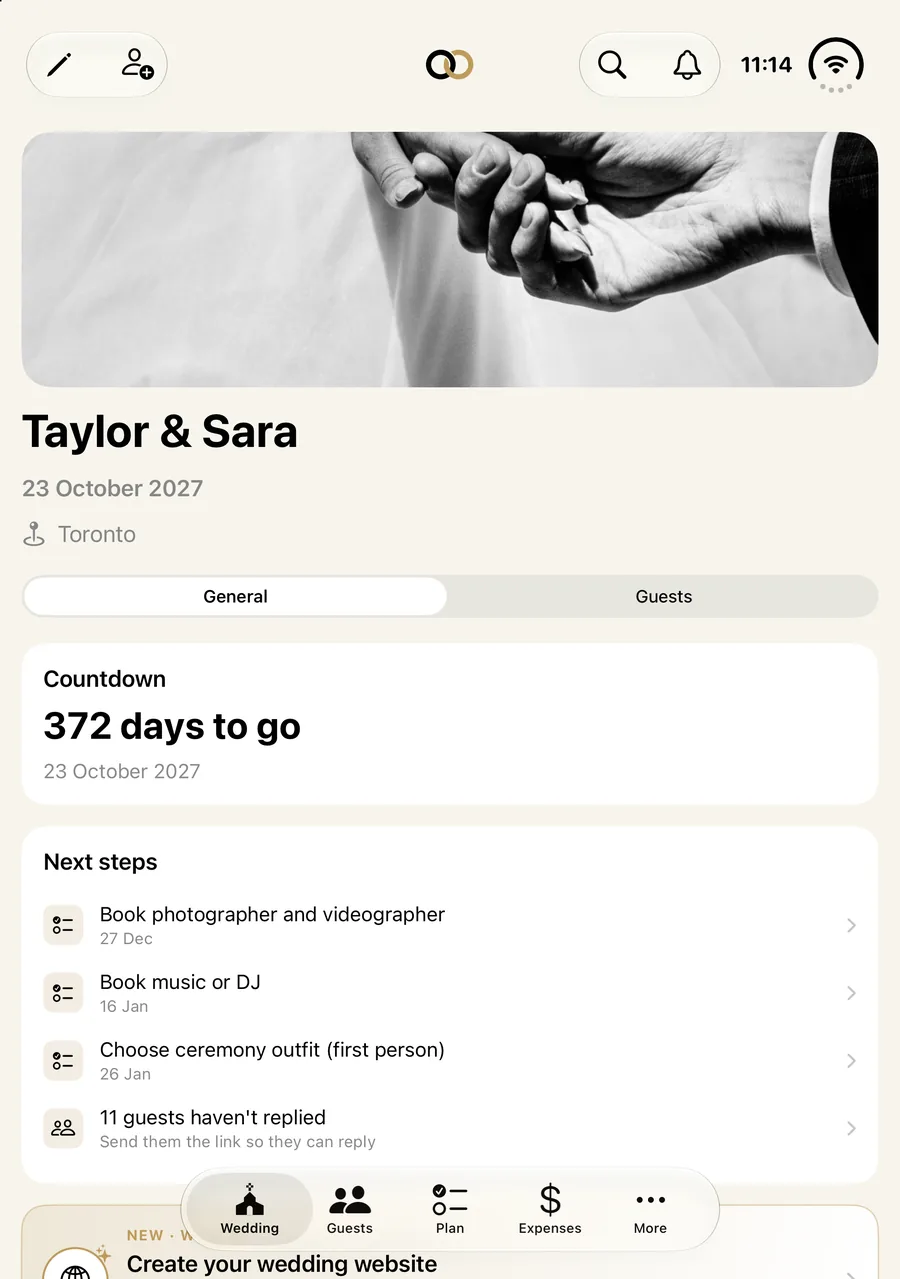
One app, every screen
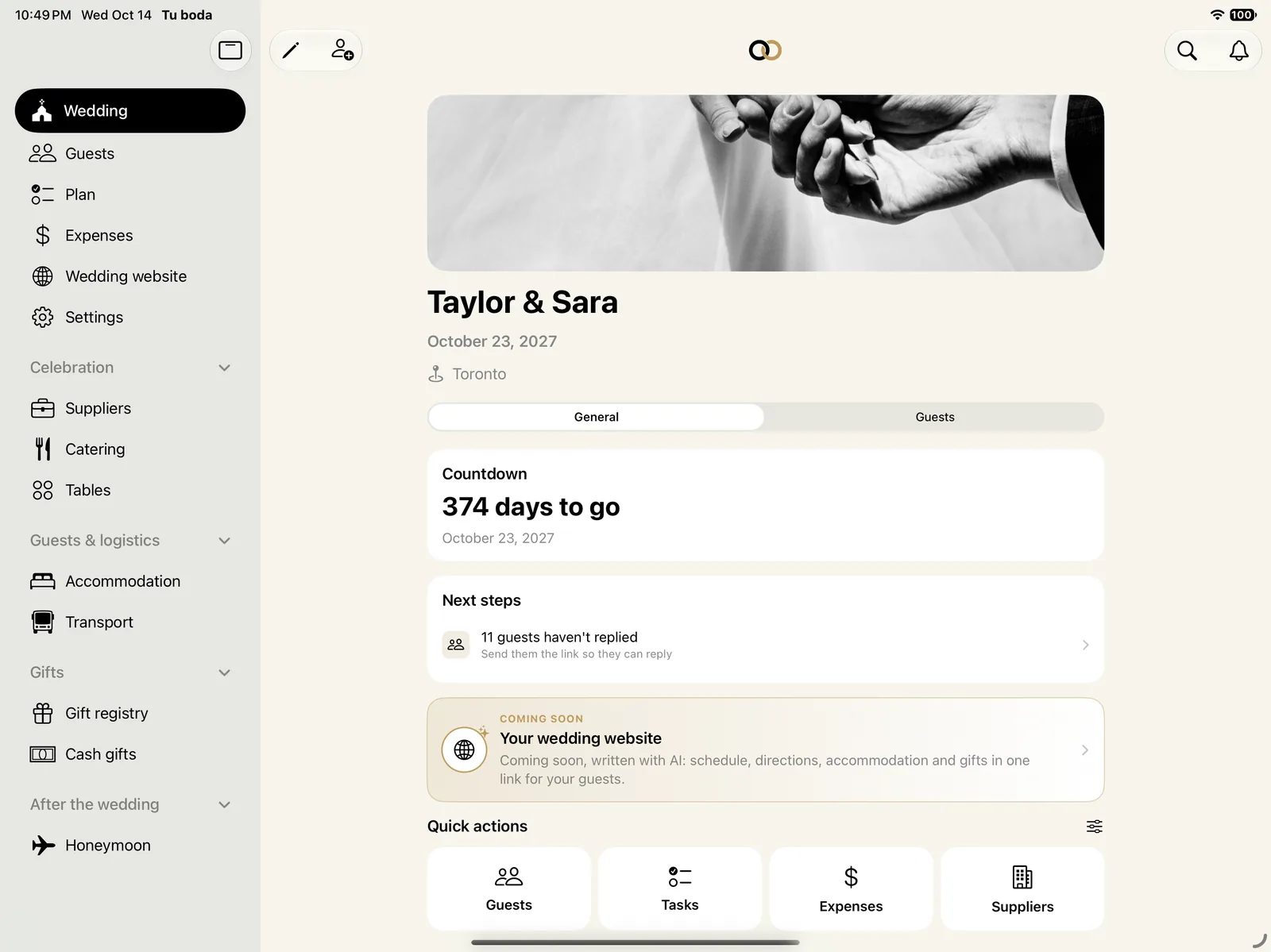
On iPhone Duo the inner screen gives you much more room: more guests, more tasks and more tables at once. On iPad, a sidebar keeps everything at hand. And on your regular iPhone, just as comfortable.
New · with AI
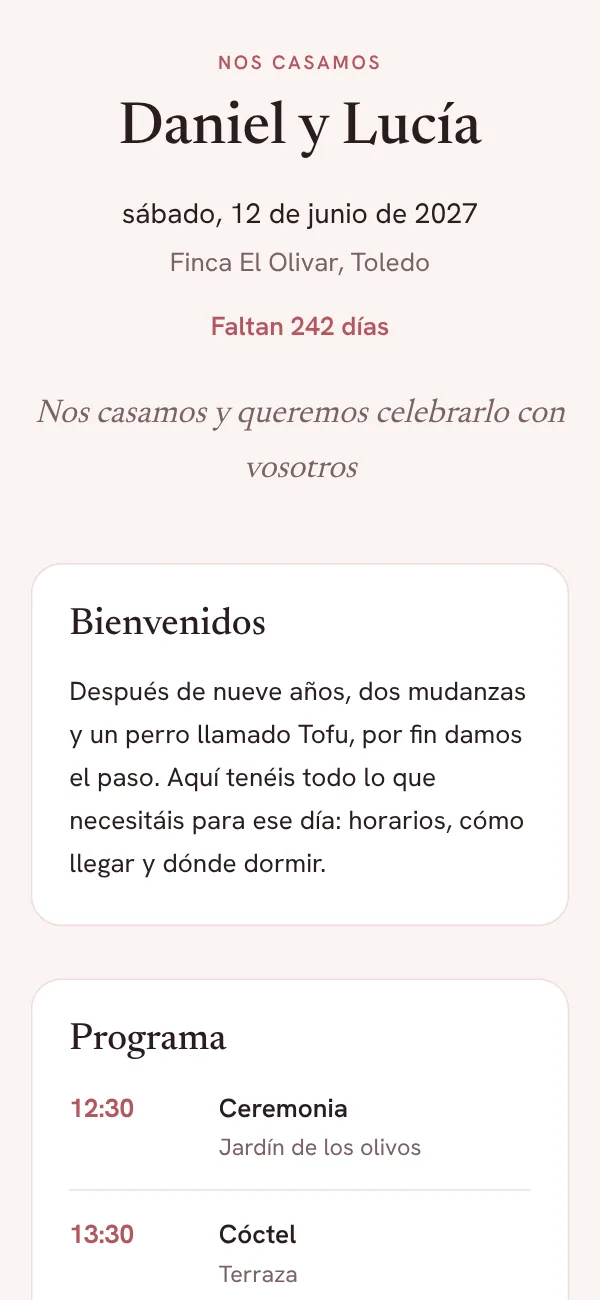
Your wedding website, written in a minute.
Tell the AI who you are and the tone you want. It drafts the welcome, the schedule and the FAQ; you decide what stays.
- Lodging with an agreement, buses and the gift list fill in on their own from the app
- Four styles, in Spanish, English, French or Italian, with your photo if you like
- A private link for guests that does not appear in search engines
- Each guest reaches the website from their RSVP page
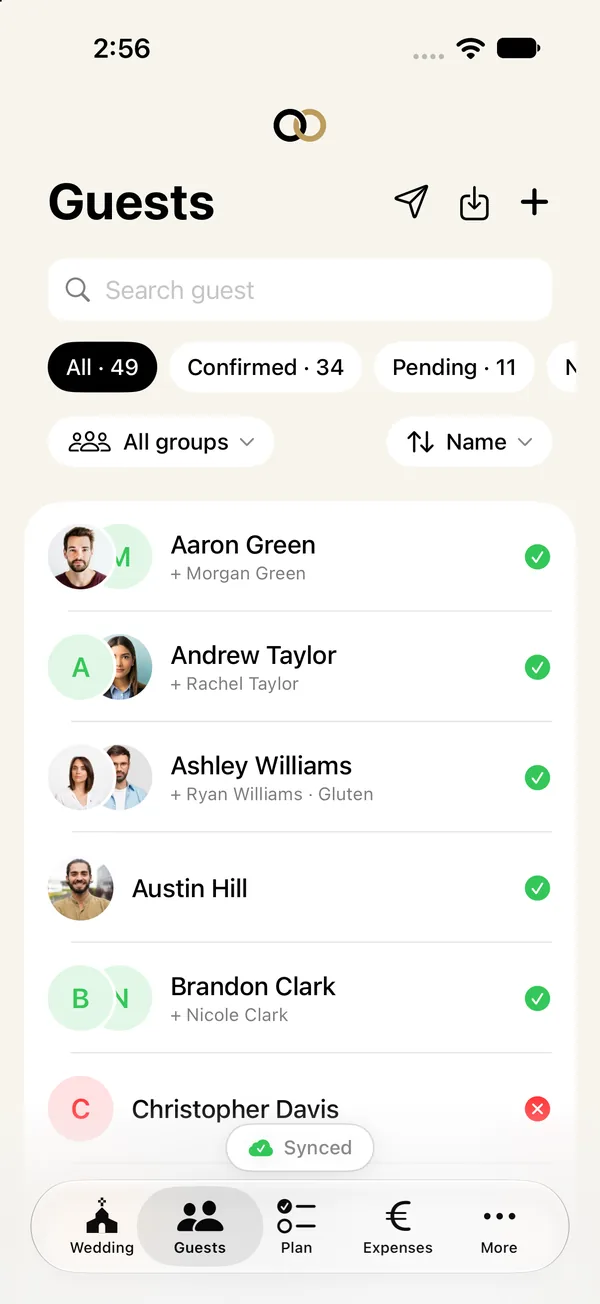
Every guest with their own card. Everyone in their place.
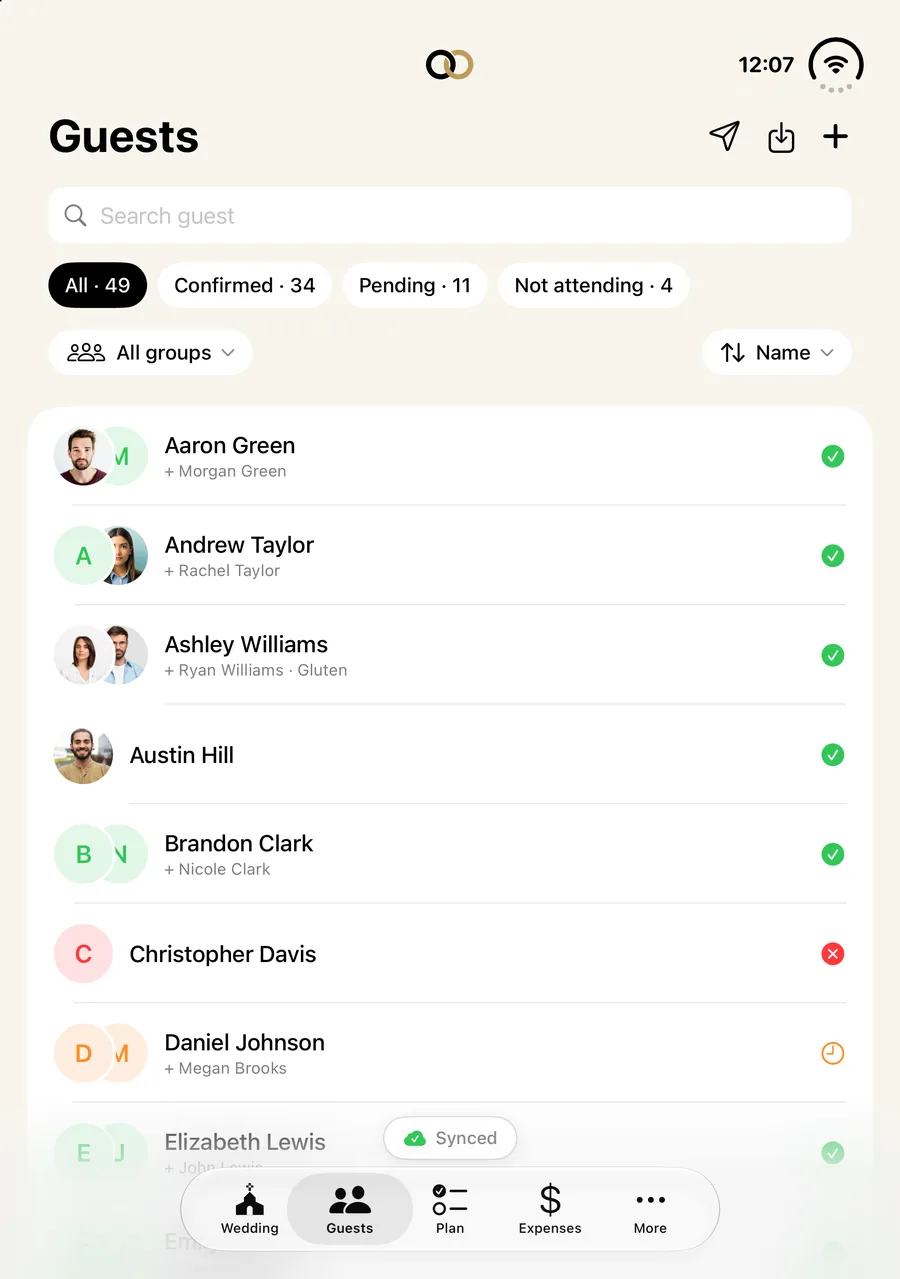
Note RSVPs, plus-ones and menus, and seat everyone without doing the maths.
- Each guest confirms from their own link, with nothing to download
- Plus-ones, children and babies count as one more person
- Groups, allergies and intolerances on each card
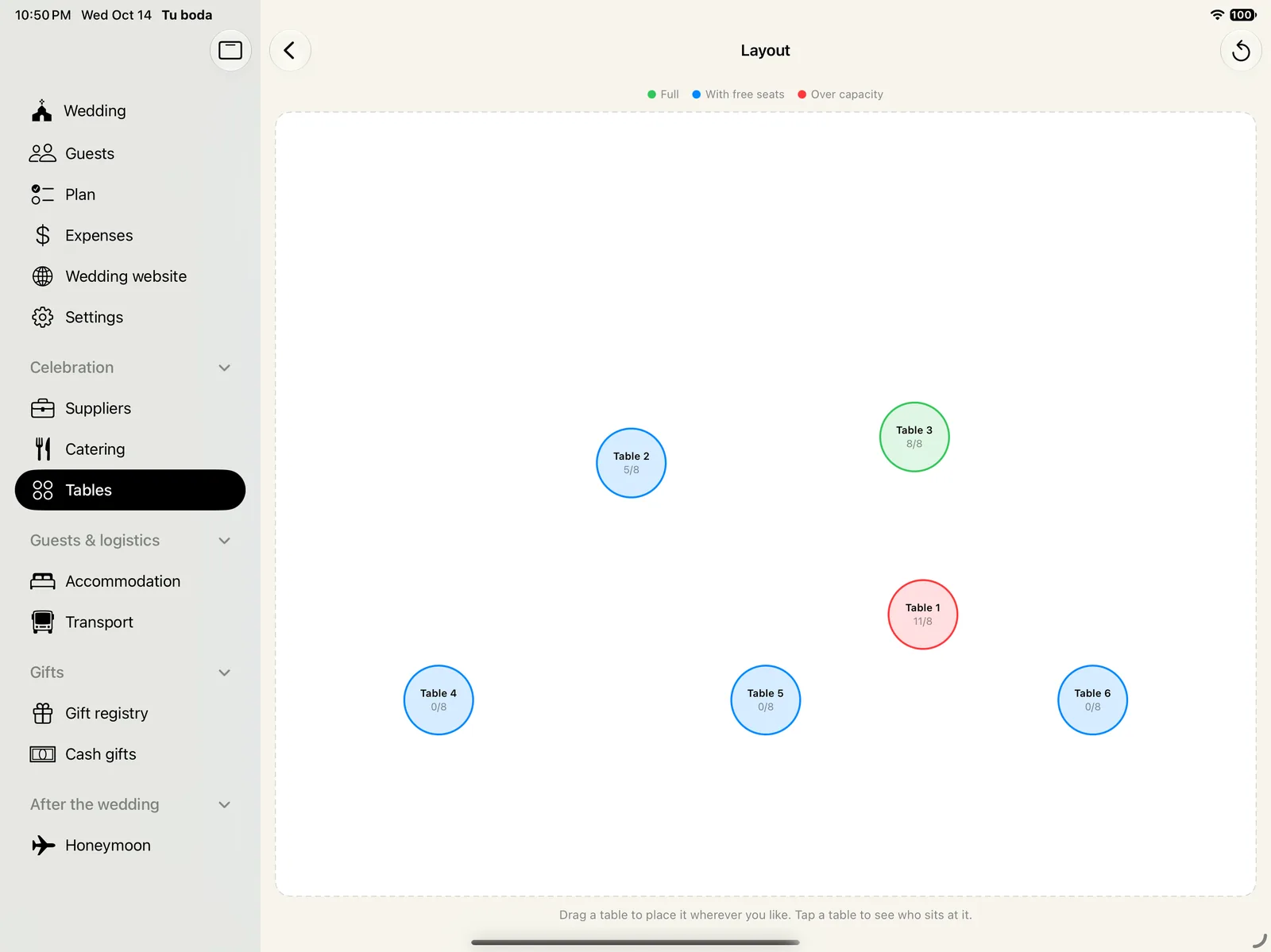
The tables, at a glance.
Seat families and friends where they fit best, with the places always in view.
- A family with children takes the seats it needs
- Floor plan: drag the tables into place
- Export the seating when it is ready
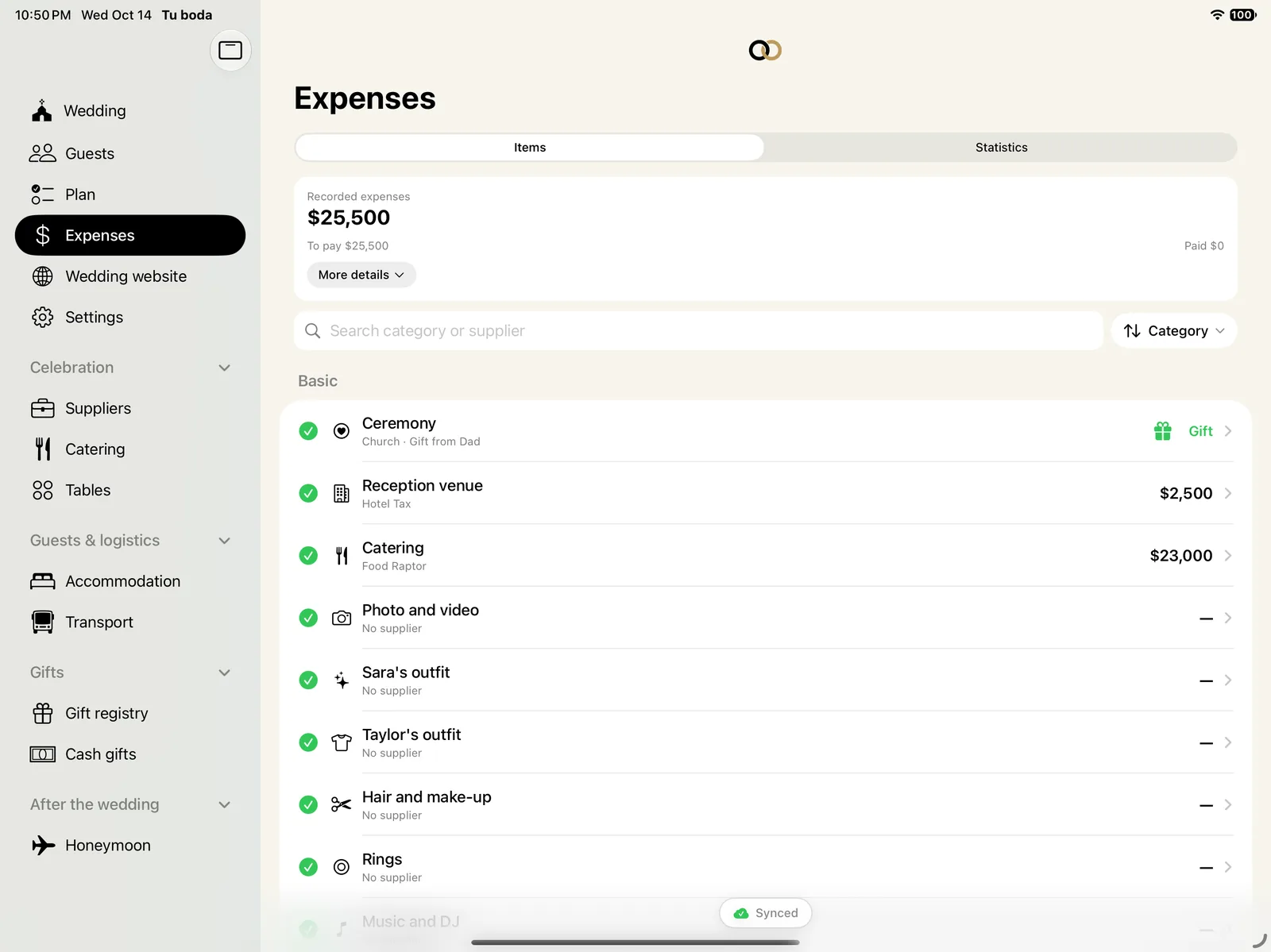
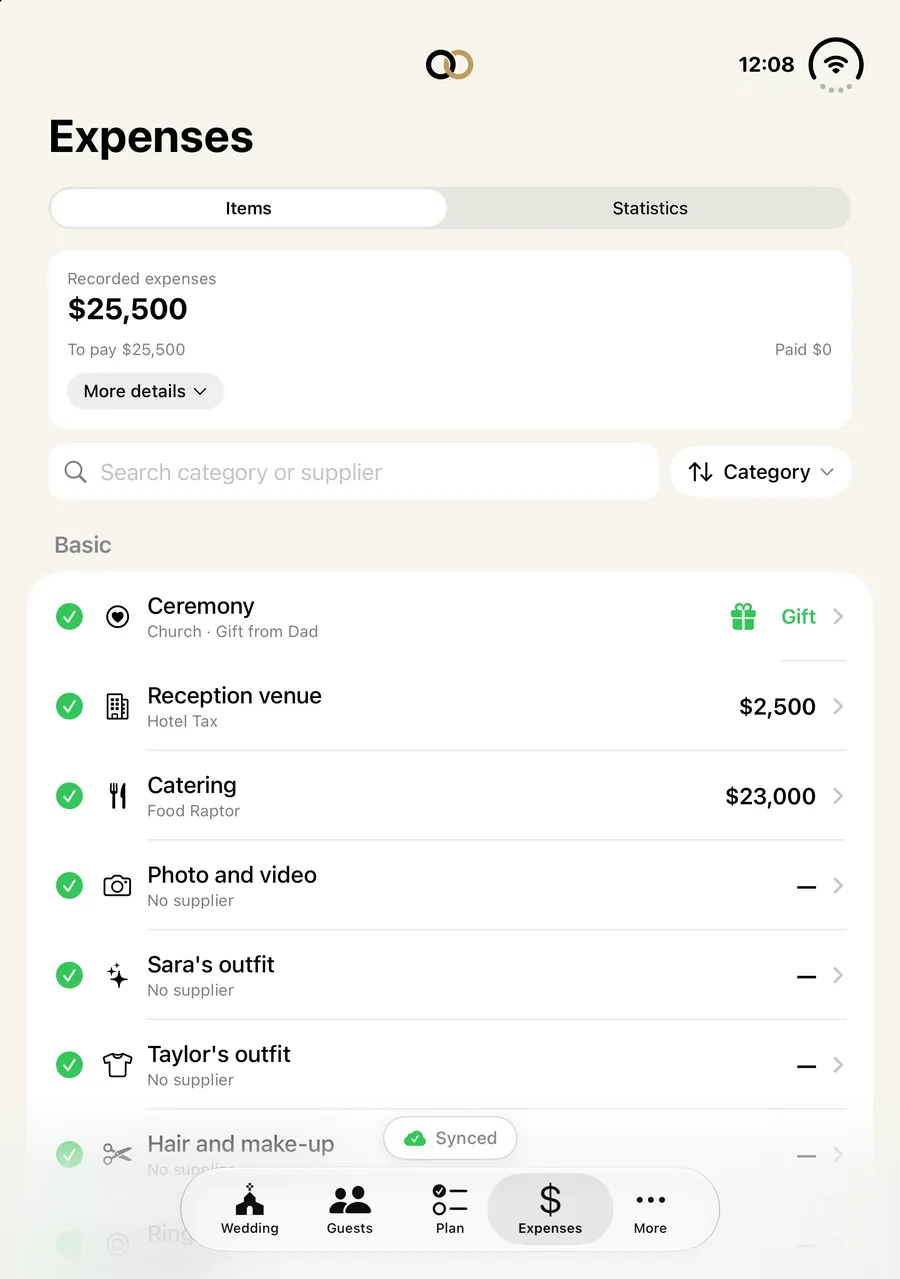
Know how much is left and how much you are over.
Set a total budget and record each expense in its category.
- Paid, pending and upcoming payments, always up to date
- Compare quotes from suppliers in the same category
- Envelope calculator: what each guest contributes on average
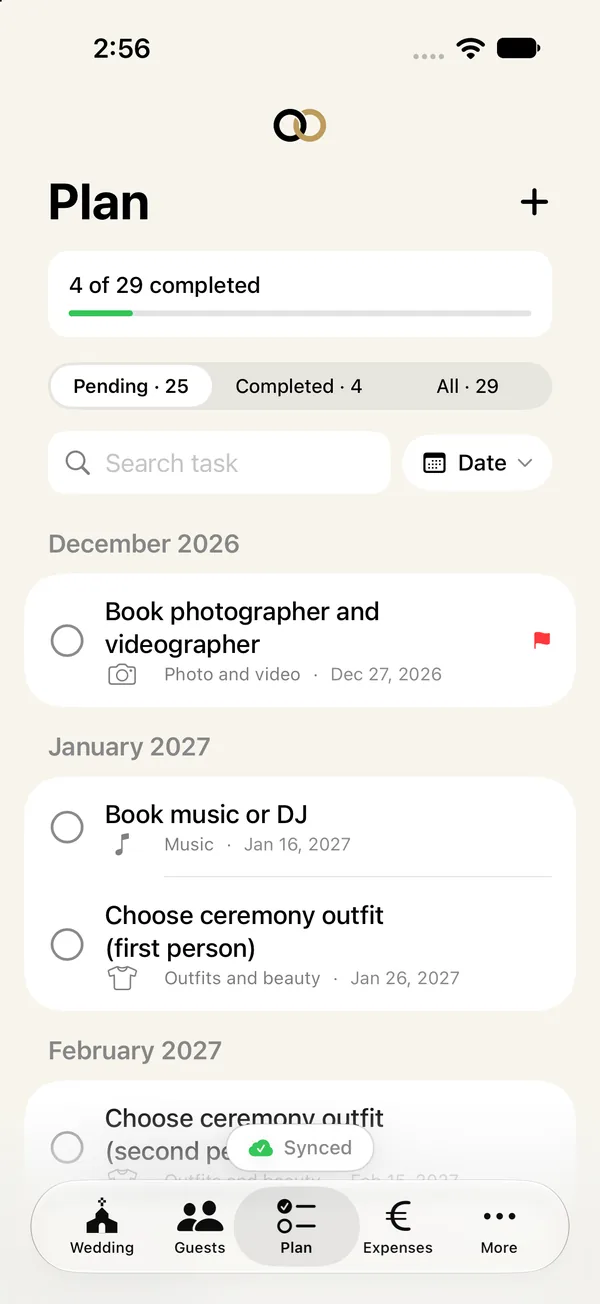
The usual tasks, with deadlines from your date.
Load a list of what is usually needed, from choosing the venue to the paperwork.
- Deadlines calculated from the wedding day
- When you open the app, what comes next: tasks, payments and replies pending
- Reminders when a task is getting close
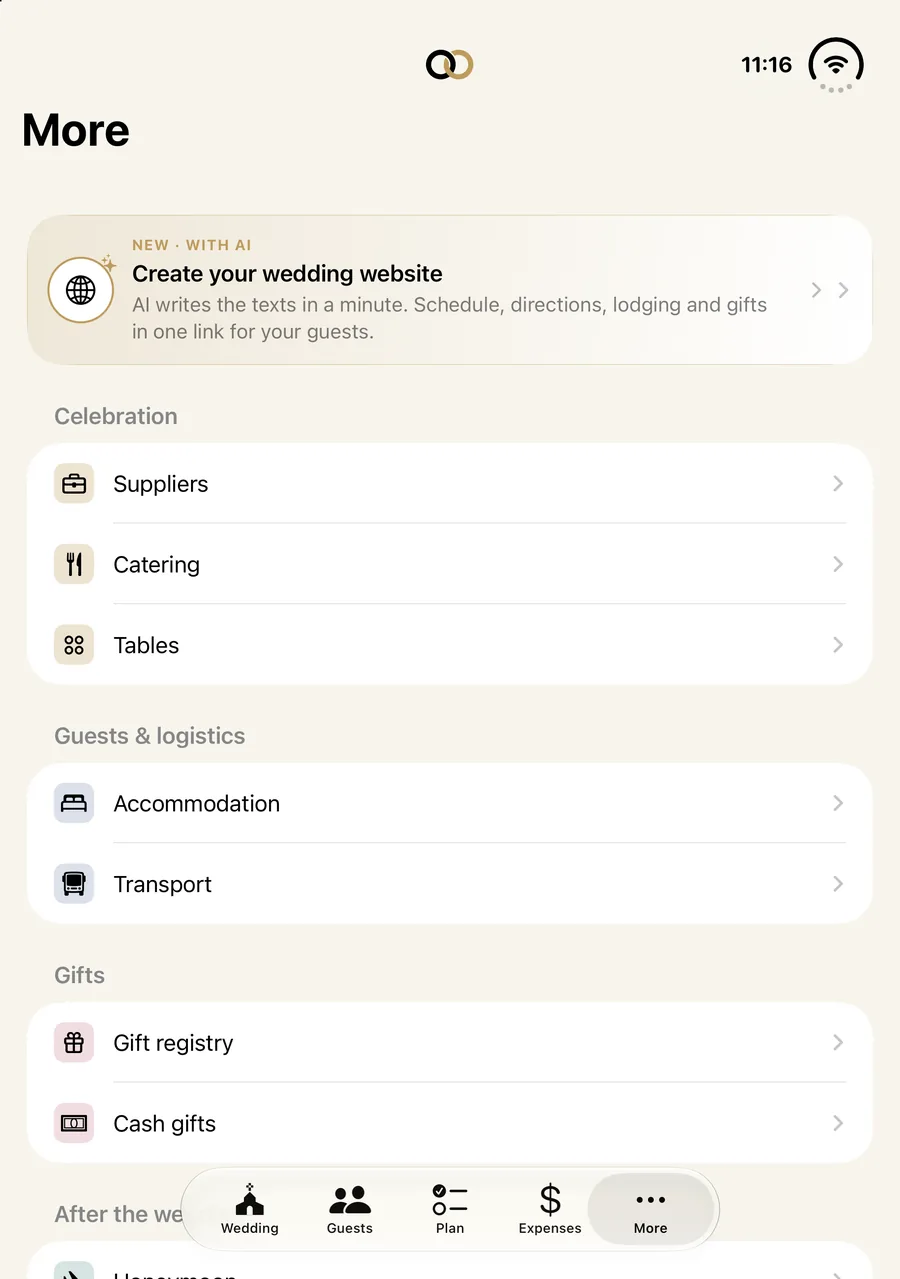
Catering, lodging and transport, without the maths.
Menus count themselves from your guests.
- Menus by type, with child and baby prices
- Who needs lodging and in which room
- Who travels on each transport, with its seats
Two phones, one wedding.
One code and you’re in
Invite your partner with a 6-character code. From then on you both see and edit the same thing.
Offline too
Changes are saved on your phone and sync when coverage returns.
Know right away
An alert when your partner changes something or a guest replies, and a history of everything that has been done.
And everything else around a wedding.
- iPad and iPhone Duo
- On a big screen, every section at hand; on Duo, the inner screen at full stretch.
- Widgets
- The countdown, tasks and RSVPs on your Home Screen; check off tasks without opening the app.
- Search
- Any guest, task or supplier, from the home screen.
- Gifts
- The gift list and cash gifts, in your currency.
- Suppliers
- Contacts, quotes as PDFs and instalment payments for each supplier.
- Honeymoon
- Destination, dates and bookings, with what is paid and what is pending.
- Export
- Guests, tables and expenses as CSV and PDF.
- In four languages
- Spanish, English, French and Italian: the app and your wedding website too.
Your data is yours.
A wedding holds a lot of other people’s data. We process it only so that you can plan it.
- No advertising in the app.We do not sell or share your data. Measuring which ad brought you here is optional and only if you agree.
- The AI sees only what is essential.To write the website it receives your names, the date, the venue and your notes. Never your guests.
- Guest mode.You can use the app without an account, with data only on your device.
- Export or delete whenever you like.From Settings, without asking anyone. More in the privacy policy.
Frequently asked questions
How much does it cost?
Nothing. The app is free and has no advertising.
What is the wedding website?
A page for your guests with the schedule, how to get there, lodging, transport, gifts and frequently asked questions. You create it from the app (More ▸ Wedding website); the AI proposes the texts and you change them to your taste. Only people with the link can see it, and you can unpublish it or change the link whenever you like.
What data does the AI use?
Only the couple’s names, the date, the venue, the names of the hotels and transports you have added and the notes you write for it. It never receives your guests. You can ask for up to 4 drafts a day.
Do I need to create an account?
Not to get started. You can enter as a guest and use the app; data is stored only on your device. If you create an account later, it moves to it. To share the wedding with your partner and for the wedding website you do need an account.
Does it work offline?
Yes. Everything is saved on your phone first, so you can work without coverage. When the connection returns, changes sync with your partner on their own.
How do I invite my partner?
From the app you generate a 6-character code, valid for 2 days. Your partner enters it on their phone and you both see and edit the same wedding.
Can I add children?
Yes. At the start you say whether there will be children. If so, when adding a guest you can mark how many children and babies come with them. They count as one more person in tables, transport and the children’s menu.
What if my currency is not the euro?
Each wedding has its own currency, and all amounts are shown in it. You can change it in Edit wedding.
How do I delete my data?
From the app, in Settings ▸ Delete account. You can also export everything first as CSV and PDF from Settings ▸ Export data.
Which devices does it work on?
On iPhone, iPad and the new iPhone Duo, with its inner screen fully used. The Android version is coming soon.